HubSpot Training for Atlas Agents
Welcome to your HubSpot training hub. Here, you’ll find everything you need to get up and running with Atlas Canada’s new lead management platform.
Explore step-by-step video tutorials, detailed FAQs, and quick-reference guides tailored to the way you work. Whether you’re entering leads, tracking communication, or managing your pipeline, these tools will help you navigate HubSpot with confidence.
Start learning at your own pace—and check back often for new resources as we continue the rollout.
HubSpot Training Documents


How Leads Flow Through HubSpot
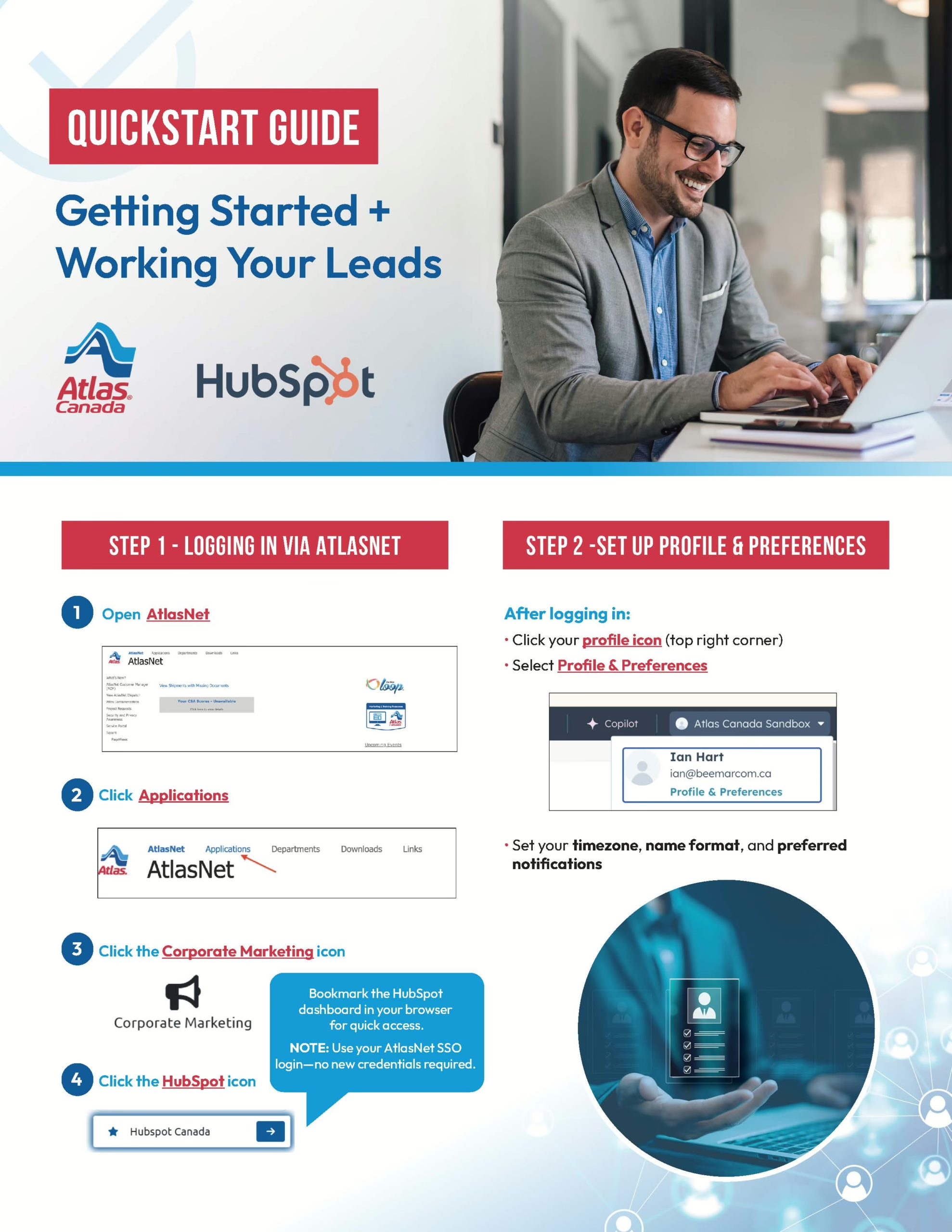
HubSpot QuickStart Guide – Week One
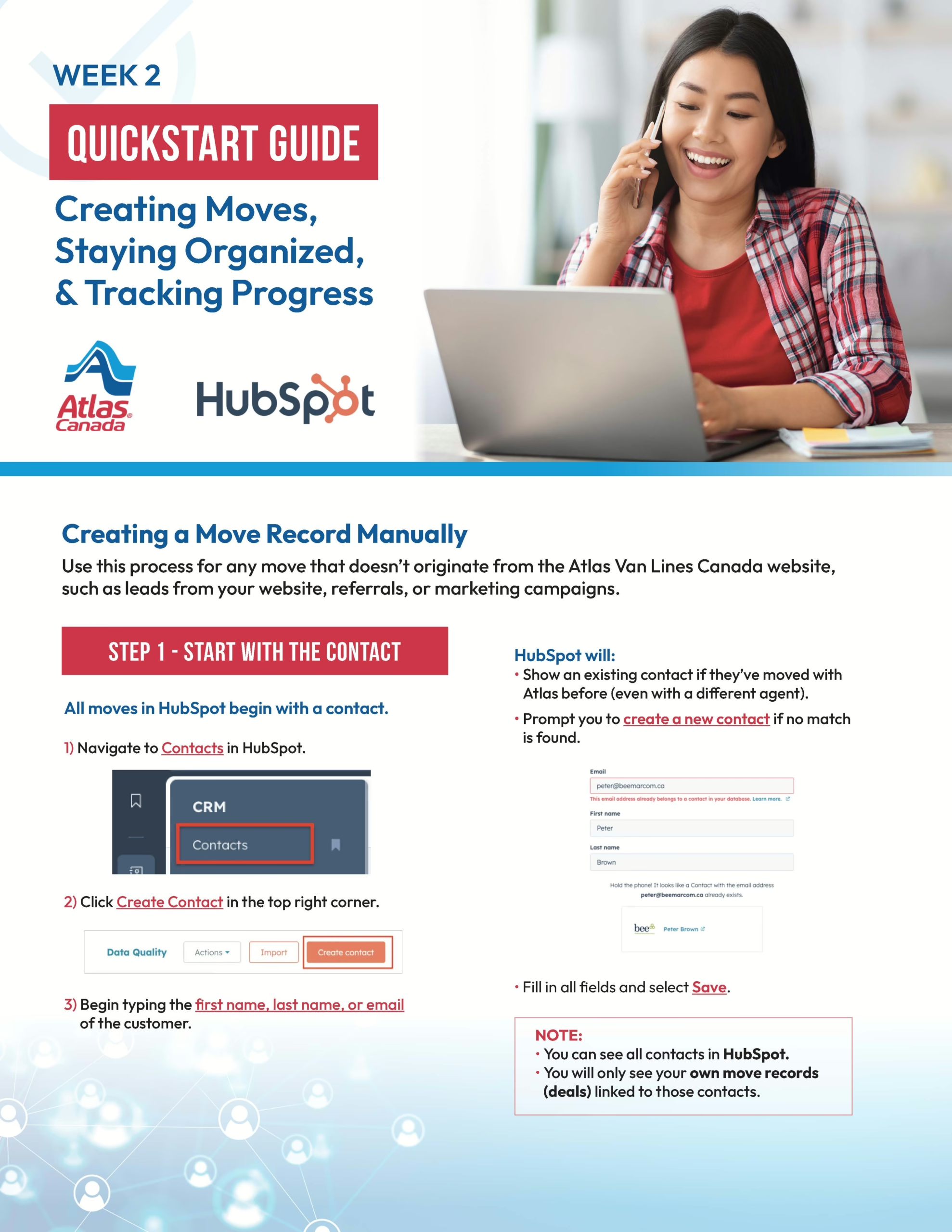
HubSpot QuickStart Guide – Week Two
HubSpot Training Recordings
Atlas HubSpot Training – Week One: AMJ Toronto & AMJ Calgary
In this session, you’ll learn how to:
- Log in to HubSpot through AtlasNet using your SSO.
- Set up your profile, preferences, and notifications.
- Navigate key areas like your workspace, contacts, moves, surveys, and tasks.
- Connect your email and calendar for seamless tracking.
- Understand how leads enter HubSpot from AtlasNet.
- Work a lead from first contact to follow-up using the prebuilt lead response sequence.
- Practice essential actions—assigning leads, sending emails, logging calls, and setting tasks.
Watch The Recorded Session
Atlas HubSpot Training – Week Two: AMJ Toronto & AMJ Calgary
In this session, you’ll learn how to:
- Create a move record manually for leads that don’t originate from the Atlas Van Lines Canada website.
- Manage moves by adding tasks, notes, documents, and tracking surveys or estimates.
- Save time with templates and logging tools for consistent client communication.
- Stay accountable by using dashboards to monitor leads, tasks, activity, and performance.
Watch The Recorded Session
Atlas HubSpot Training – Week Three: AMJ Toronto & AMJ Calgary
In this session, AMJ Calgary and AMJ Toronto agents participated in hands-on training to reinforce the material covered in Weeks One and Two. The session included:
- Reviewing key setup steps (bookmarks, email/calendar sync, dashboards) and walking through the full workflow: logging in, checking tasks, updating leads, and tracking progress.
- Volunteers demonstrated creating a new contact and move record, working through daily tasks, and using dashboards to monitor follow-ups and reporting.
- An open forum for questions, personalized guidance, and live problem-solving.
- Agents were reminded about Atlas-specific cheat sheets, quick reference guides, and Sales Manager coaching.
Watch The Recorded Session
Atlas HubSpot Training – Week One: AMJ
In this session, you’ll learn how to:
- Log in to HubSpot through AtlasNet using your SSO.
- Set up your profile, preferences, and notifications.
- Navigate key areas like your workspace, contacts, moves, surveys, and tasks.
- Connect your email and calendar for seamless tracking.
- Understand how leads enter HubSpot from AtlasNet.
- Work a lead from first contact to follow-up using the prebuilt lead response sequence.
- Practice essential actions—assigning leads, sending emails, logging calls, and setting tasks.
Watch The Recorded Session
Atlas HubSpot Training – Week Two: AMJ
In this session, you’ll learn how to:
- Create a move record manually for leads that don’t originate from the Atlas Van Lines Canada website.
- Manage moves by adding tasks, notes, documents, and tracking surveys or estimates.
- Save time with templates and logging tools for consistent client communication.
- Stay accountable by using dashboards to monitor leads, tasks, activity, and performance.